'Follow-Along Hardware: Instantly recreate sophisticated IoT designs'
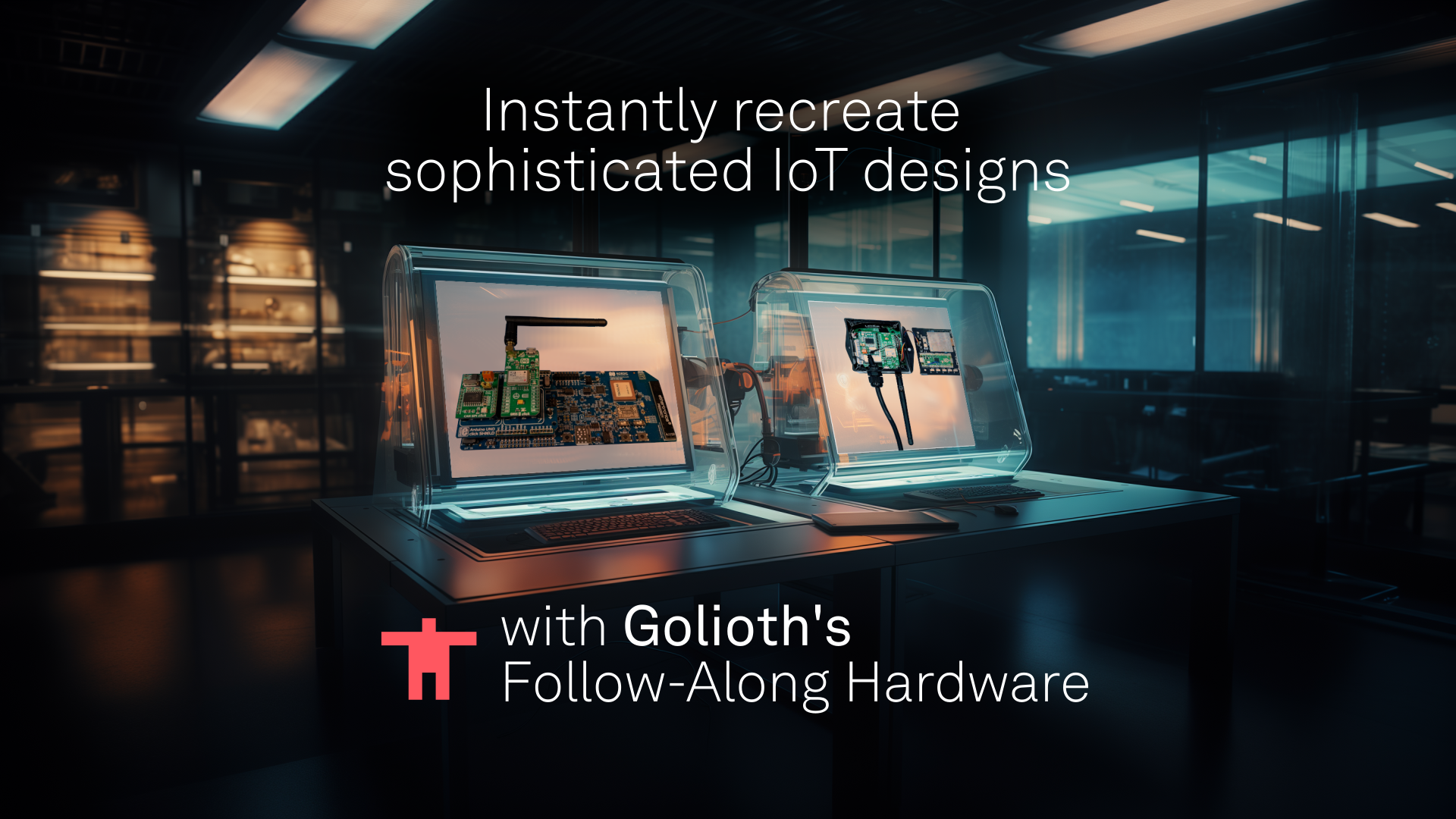
Golioth Reference Designs now include purchasable hardware setups that mirror all functionality on our custom hardware solution. Utilize Golioth firmware and cloud together to showcase complex IoT applications in minutes!
Compact designs have custom elements
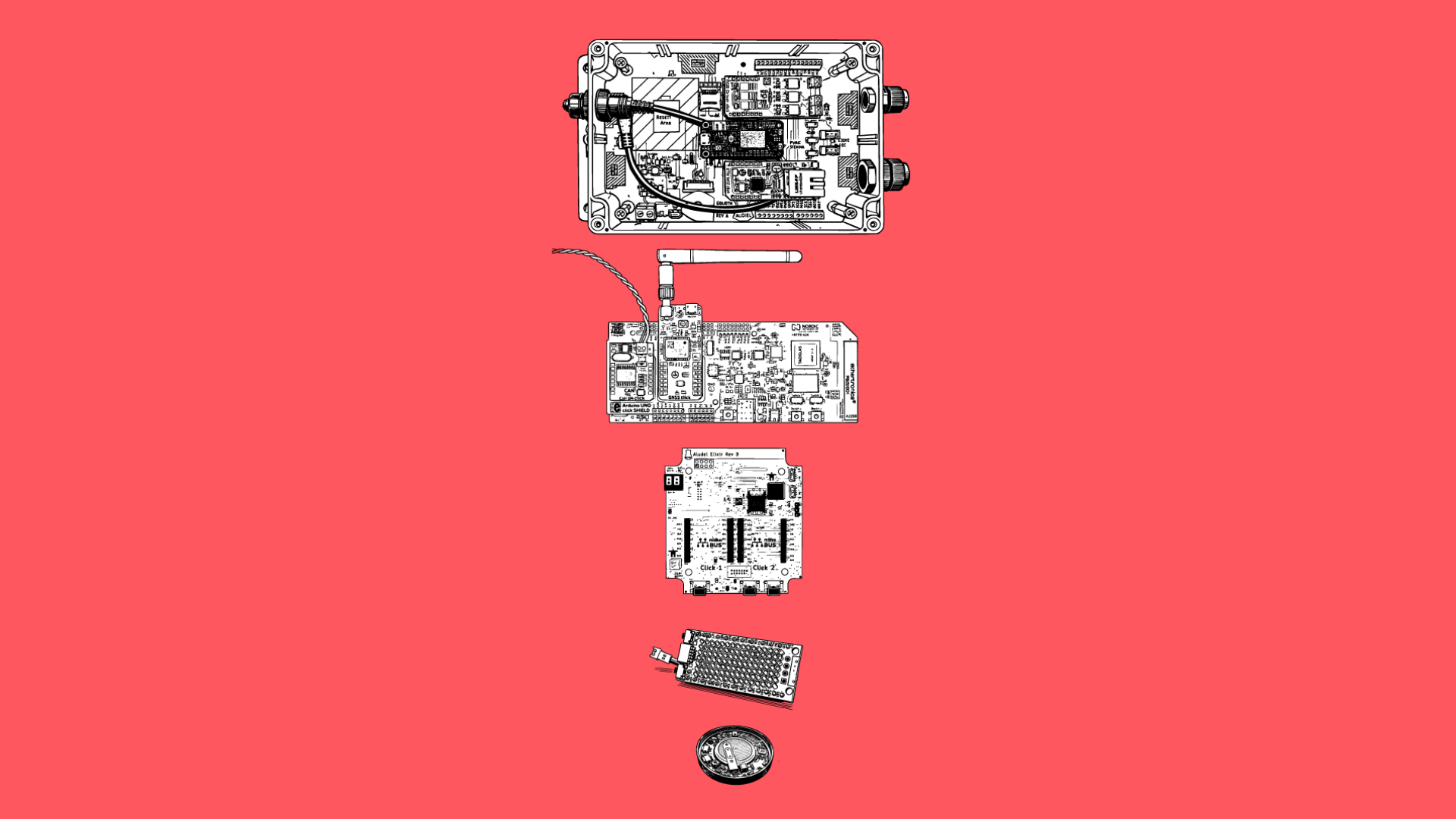
Golioth Reference Designs help to showcase end-to-end IoT applications using quasi-custom hardware. If you’ve seen any of our articles or our guides on
projects.golioth.io, you have probably seen a setup that looks something like this: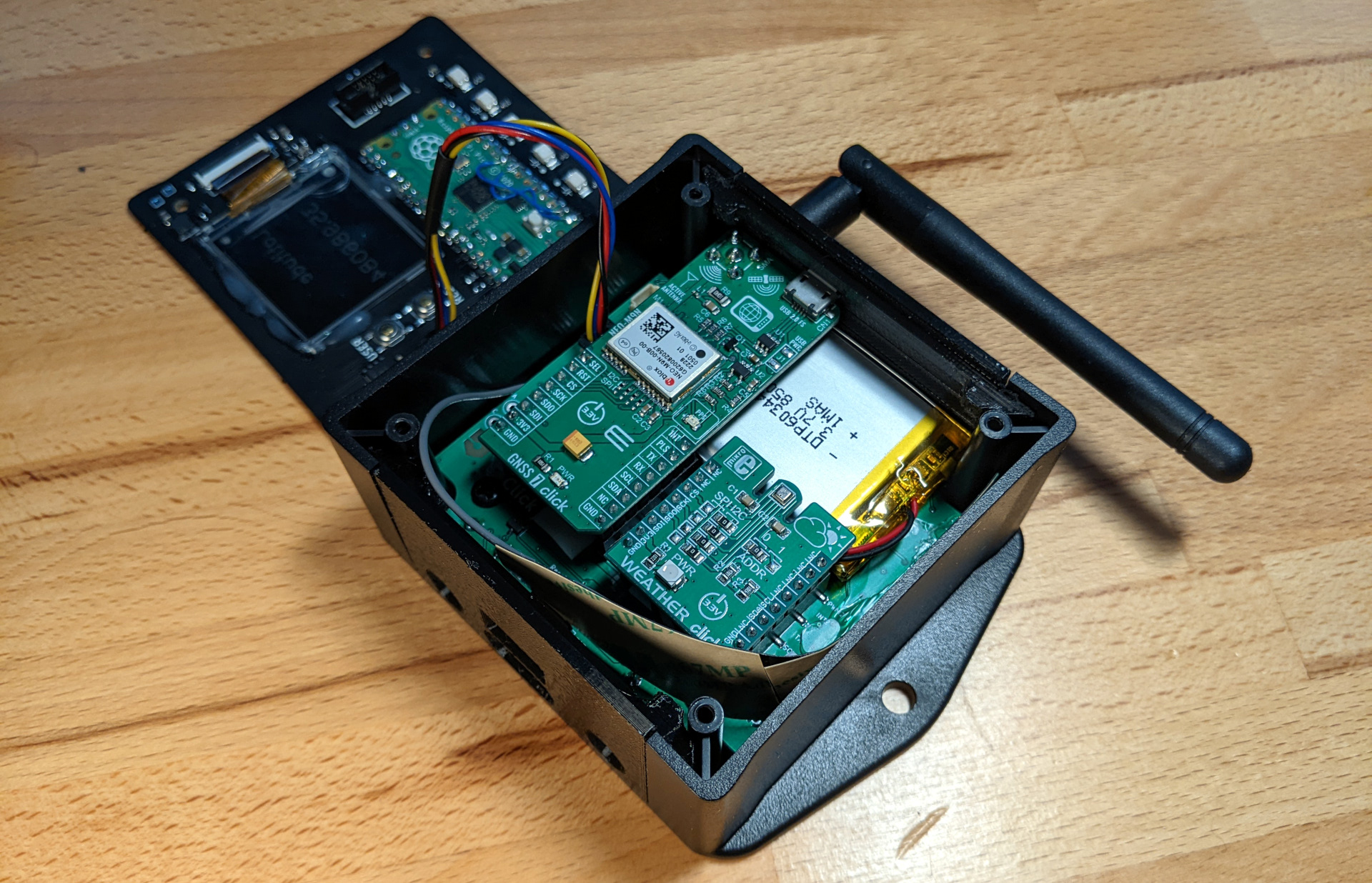
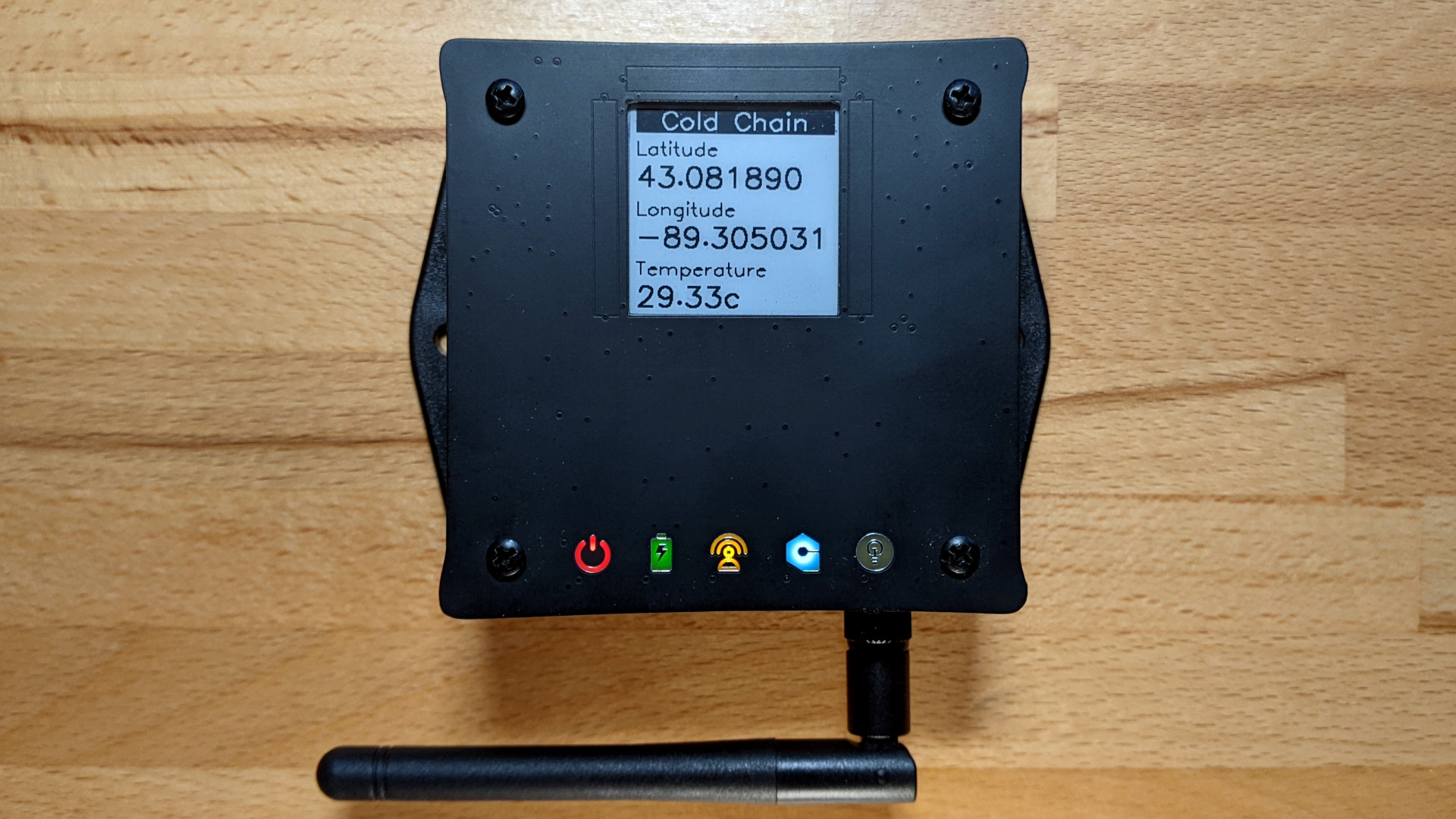
What if you want to follow along?
Keen readers of this blog will note that we just open-sourced the firmware for our Reference Designs, including the template we use to create our designs. That’s only really useful if you have hardware to run it on. Since you can’t buy all of the hardware that we showcase, how can you benefit from the open source firmware? We now have an accessible, alternative option for you.
The Hardware
Follow-Along Hardware is the full set of development boards, interface boards, sensor modules, and helper items to replicate the setup that we use at Golioth. We take advantage of the fact that many vendor development boards (still?) utilize an Arduino Uno pinout on their larger development boards. There is a conversion board that goes from Arduino Uno to 2 Click headers, which is the form factor of the majority of sensors and peripherals we integrate into our Reference Designs.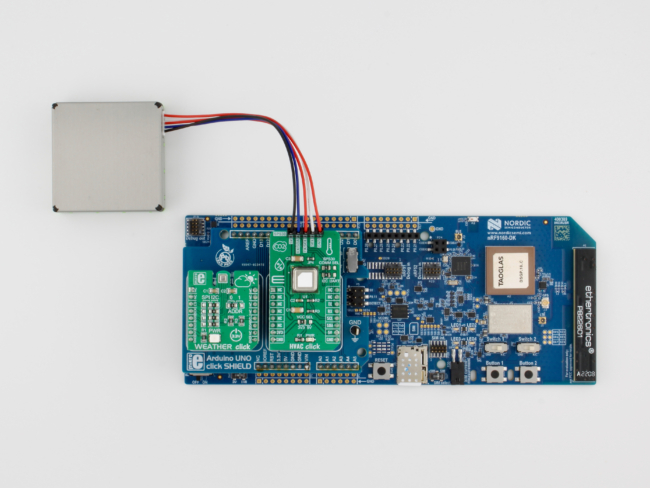
The Firmware
In order to support both the custom hardware shown in the photos above, we lean on the portability of the Zephyr Real Time Operating System (RTOS) and ecosystem. Because the Aludel Mini and the nRF9160-DK both have the same chipset on them, we can write a new set of board files that target the pin differences between these two boards. The flexible “fabric” of the nRF9160 (the SIP on both of these boards) allows the pins to be reassigned, as needed. The difference in build commands in Zephyr is as simple as:
# Build for Nordic nRF9160 Development Kit:
$ west build -p -b nrf9160dk_nrf9160_ns app

# Build for custom Golioth hardware:
$ west build -p -b aludel_mini_v1_sparkfun9160_ns app
These two commands will target their respective hardware. For the “optional” modules that are part of the quasi-custom hardware solution–like the Ostentus display with an eInk screen and touch buttons–we check at runtime whether the module is present. If you’re running on an nRF9160-DK without the display (maybe you’re looking at data output on the serial terminal), the program will disengage the code that runs the Ostentus until the device is reset.
Try before compiling
We want to make it so easy to try out these Reference Designs that have a Follow-Along Hardware component, that we don’t make you compile anything. Each supported piece of hardware (on a per-project basis) also includes a pre-compiled image in the associated firmware repository. If you follow the directions for your hardware, you will have a fully functional project on your bench in a few minutes. Then you can start to customize to your heart’s desire.
More Reference Designs
We are dedicated to supporting hardware and firmware engineering teams building real-world applications. A custom piece of hardware has a ton of challenges, but Golioth makes sure that cloud connectivity and device management are an easy checkbox on your list. If you are working on an application you don’t see covered on our Projects site, drop us a line and we’ll see if we can spin up a new design. You’re always welcome to stop by our forum to discuss your IoT application, as well.