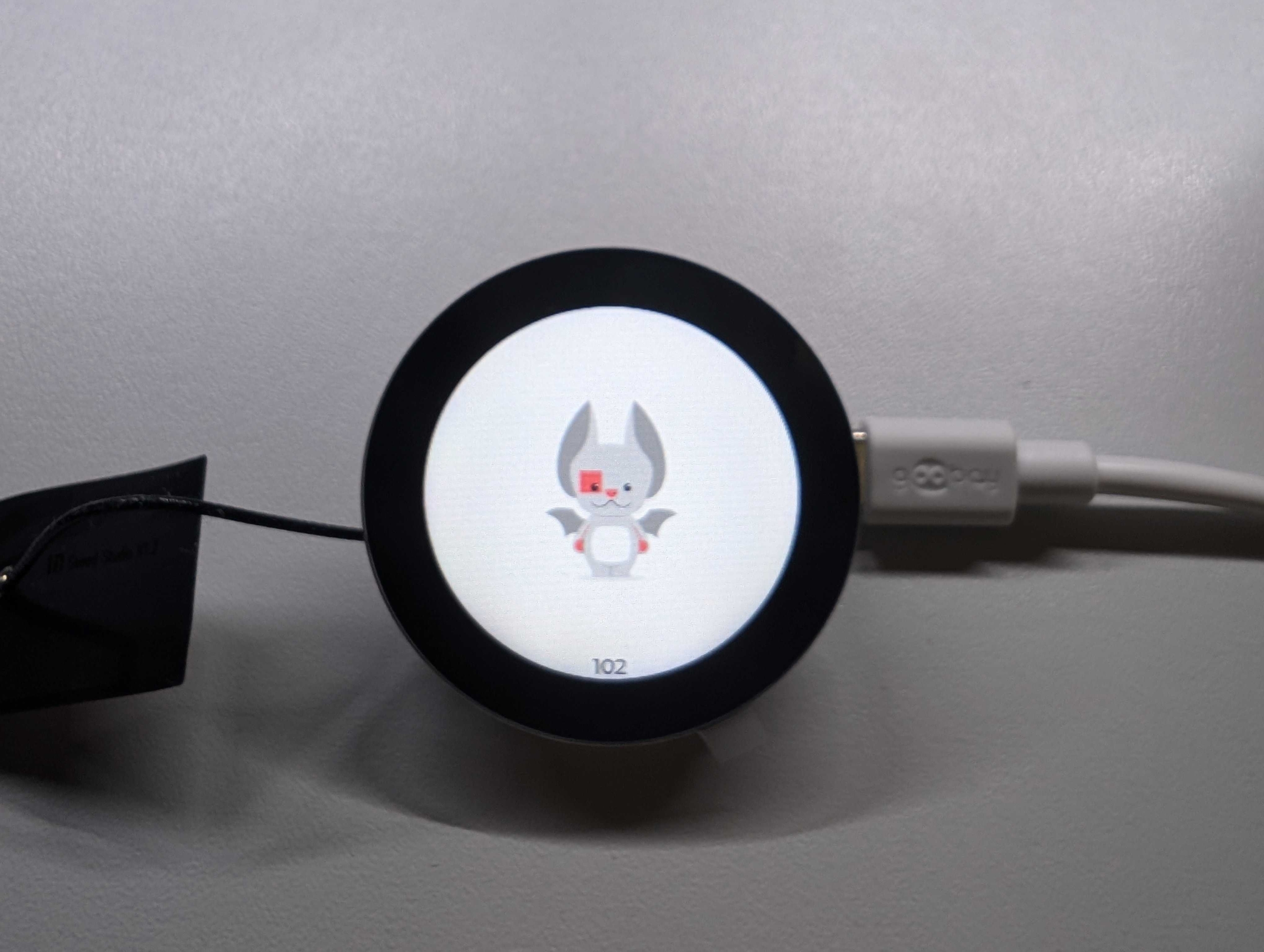
The Golioth OTA service can handle more than just Over-the-Air firmware upgrade. This example application demonstrates multiple-artifact releases, where a picture to be shown on the screen of an IoT device is updated using OTA.
Golioth Over-the-Air (OTA) Updates in most common cases are used for single-image firmware upgrade purposes. In that scenario, a device is notified about a new release. Such notification includes a release manifest, which contains information about new firmware. The most important metadata that a device gets is firmware version, hash, and URL (used to download the firmware). Firmware is the only artifact that is tied to OTA release in that scenario. But the Golioth OTA service may also include multiple artifacts. This allows you to implement multi-image upgrades, e.g. when there are many MCUs on a single device. Golioth OTA even supports artifacts that are not firmware, but large blobs of data of any kind. Examples include AI models, images and arbitrary binary blobs.
Device with a display
This article shows an example application running on a device with a display. Implemented functionality is simple: just displaying an arbitrary image. In the future we would like to add more capabilities, so firmware upgrade will be implemented. Additionally we would like to change the displayed image without upgrading the whole firmware.
Multi-component OTA
The Golioth SDK exposes high-level APIs to easily setup single-image firmware upgrade (
golioth_fw_update_init()). This automatically creates a thread that observes newest firmware release, upgrades it when notified and reboots to run the new version. In the case of multi-component releases we will handle the manifest in application code. Let’s first implement a callback that gets executed when a new release is available:
struct ota_observe_data
{
    struct golioth_ota_manifest manifest;
    struct k_sem manifest_received;
};

static void on_ota_manifest(struct golioth_client *client,
                            const struct golioth_response *response,
                            const char *path,
                            const uint8_t *payload,
                            size_t payload_size,
                            void *arg)
{
    struct ota_observe_data *data = arg;

    LOG_INF("Manifest received");

    if (response->status != GOLIOTH_OK)
    {
        return;
    }

    LOG_HEXDUMP_INF(payload, payload_size, "Received OTA manifest");

    enum golioth_ota_state state = golioth_ota_get_state();
    if (state == GOLIOTH_OTA_STATE_DOWNLOADING)
    {
        GLTH_LOGW(TAG, "Ignoring manifest while download in progress");
        return;
    }

    enum golioth_status status =
        golioth_ota_payload_as_manifest(payload, payload_size, &data->manifest);
    if (status != GOLIOTH_OK)
    {
        GLTH_LOGE(TAG, "Failed to parse manifest: %s", golioth_status_to_str(status));
        return;
    }

    if (data->manifest.num_components > 0) {
        k_sem_give(&data->manifest_received);
    }
}
The above code checks whether the release manifest was received correctly and OTA is not already in progress. Then the CBOR encoded manifest is decoded with
golioth_ota_payload_as_manifest(). If the manifest is valid and it contains at least one component, the main application thread is notified by releasing a semaphore with k_sem_give(&data->manifest_received). Now it is time to start manifest observation in main() and wait until a release manifest is received:
At this point the application continues execution after the manifest is successfully received and parsed. The next step is handling of received components:
ota_observe_data.manifest.components[] array. Either version or hash is compared with the received component. When it differs, the new component is downloaded with golioth_ota_download_component() API. Firmware and background components require different handling. This is achieved with component_descs[] array and helper functions:
Firmware is updated automatically during next boot, so there is nothing more needed to start using it. Background image, on the other hand, needs to be loaded from file system in the application code:
Note that besides loading the background image, there is also SHA256 calculation using
mbedtls_sha256(). This is needed to compare with the SHA256 hash received from OTA service in order to decide whether the background image needs to be updated.
# Build the example
west build -p -b native_sim/native/64 $(west topdir)/example-download-photo

# Run the example
west build -t run
Native Simulator uses the
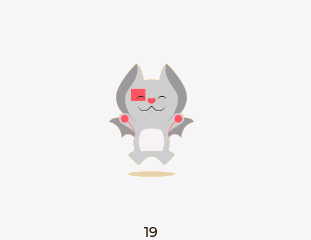
SDL library to emulate a display. On the first run it is blank because no background image is available. Now it is time to upload a background image as an OTA artifact and create a release. An example background image is included in the repository in background/Echo-Pose-Stand.bin. After rolling out an OTA release, this image is downloaded automatically to /storage/background file on the device, which is indicated with the following logs:
Marcin is a firmware developer on the Golioth SDK, which is based on the Zephyr SDK. He has worked in the embedded space for 10 years, 4 of those on Zephyr. Past upstream contributions have focused on the networking stack. He has an extensive background combining hardware, firmware, and the cloud.
Golioth has built a range of custom hardware to test out many of the aspects of our own IoT offering. These challenges mirror what our customers face with their …
Wi-Fi HaLoW enables high throughput, at a long distance using ISM band radios (850-950 MHz, depending on location). This post introduces the concepts behind the …