Getting Started with the ESP32, Golioth, and Zephyr
The ESP32 is a great way to get up and running quickly on Golioth. This article, and the accompanying video, walks through the process of provisioning an ESP32, …
The ESP32 is a great way to get up and running quickly on Golioth. This article, and the accompanying video, walks through the process of provisioning an ESP32, …

Sensor drivers sometimes need to live outside of the Zephyr tree, for privacy or maintenance reasons. This post shows how to operate a sensor driver …
The ESP32 can be used as an AT modem. This approach makes it really easy to add an internet connection to devices that normally don't have one, like the Nordic …
Reassigning pins in your Zephyr project is key to keeping your code portable. This guide demonstrates how to use devicetree overlay files to move peripherals …
Zephyr (west) manifest files allow the user to specify where and when dependencies are included into a project. Doing so allows cleaner project repositories and …
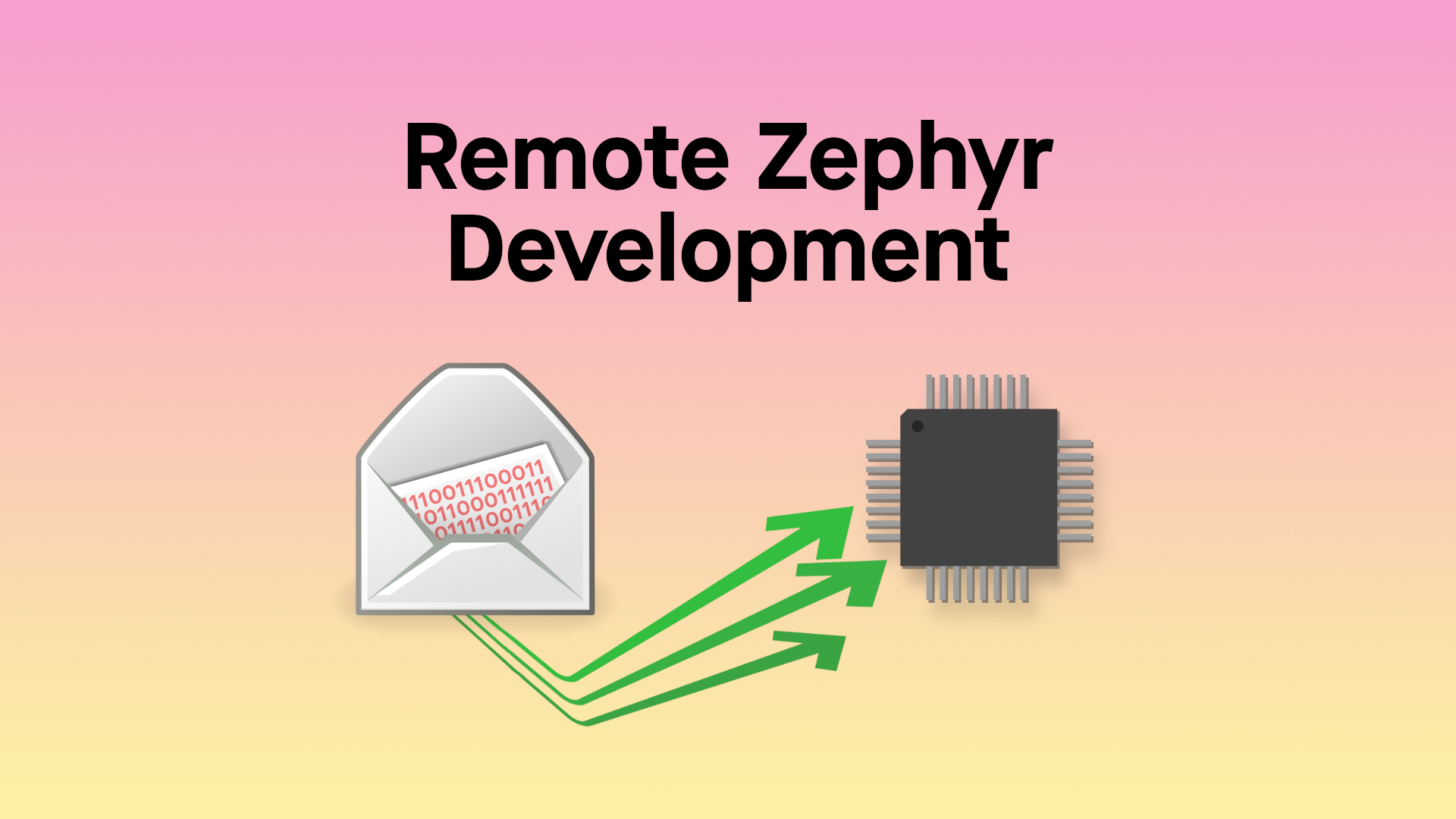
Your target hardware can be in a different part of the world while you develop your Zephyr app. Segger tunnel mode on the J-Link programmer means it doesn't …

Parsing JSON packets with strings and punctuation delimiters doesn't sound like much fun on a microcontroller. That's why it's really nice that Zephyr has a …
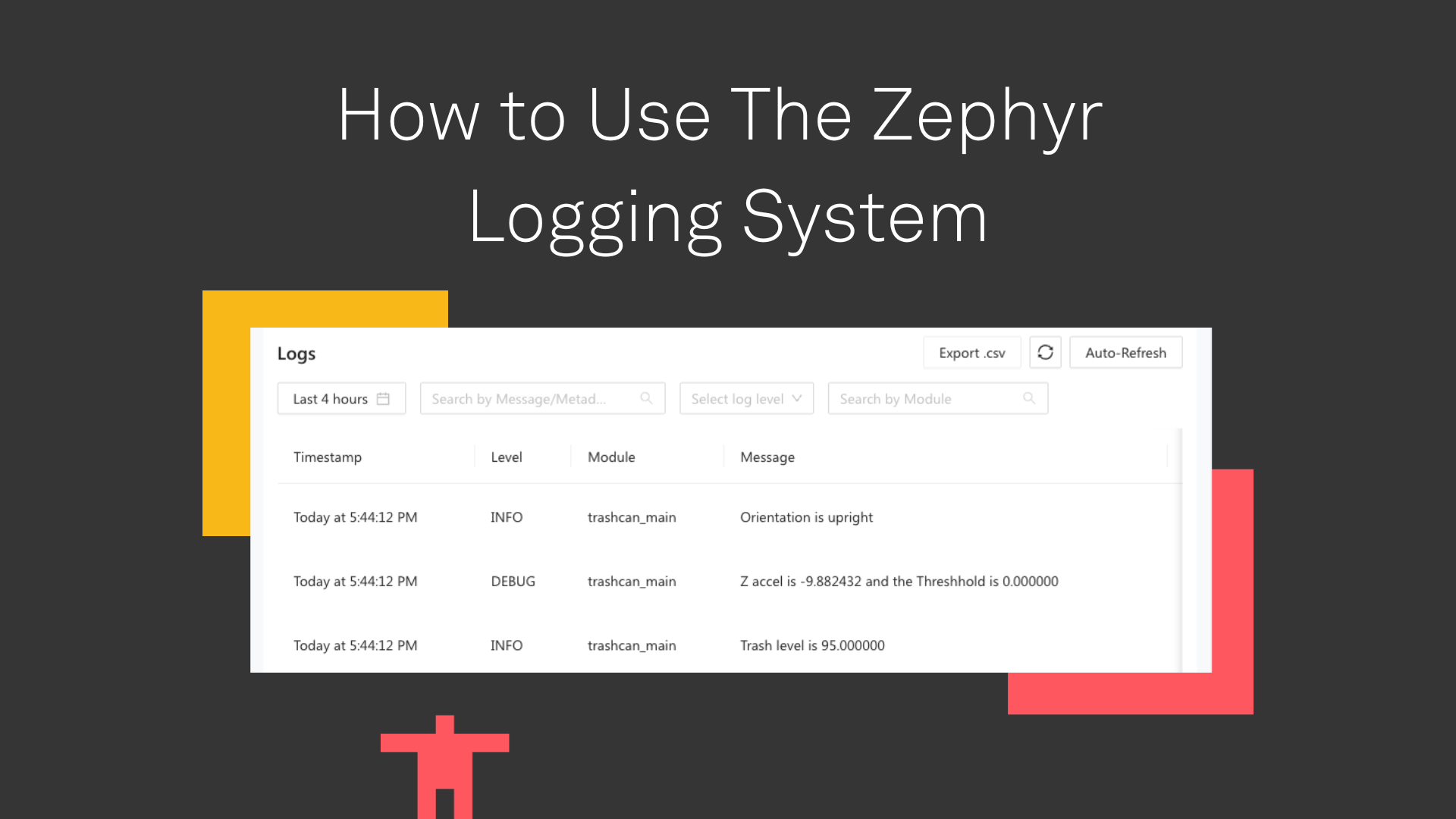
Zephyr has a number of tools to aid in debugging during your development process. Today we’re focusing on the most available and widely useful of these: …

If you’re like me, you installed Zephyr and began making your own changes to the sample applications that came with the toolchain. But at some point–either for …
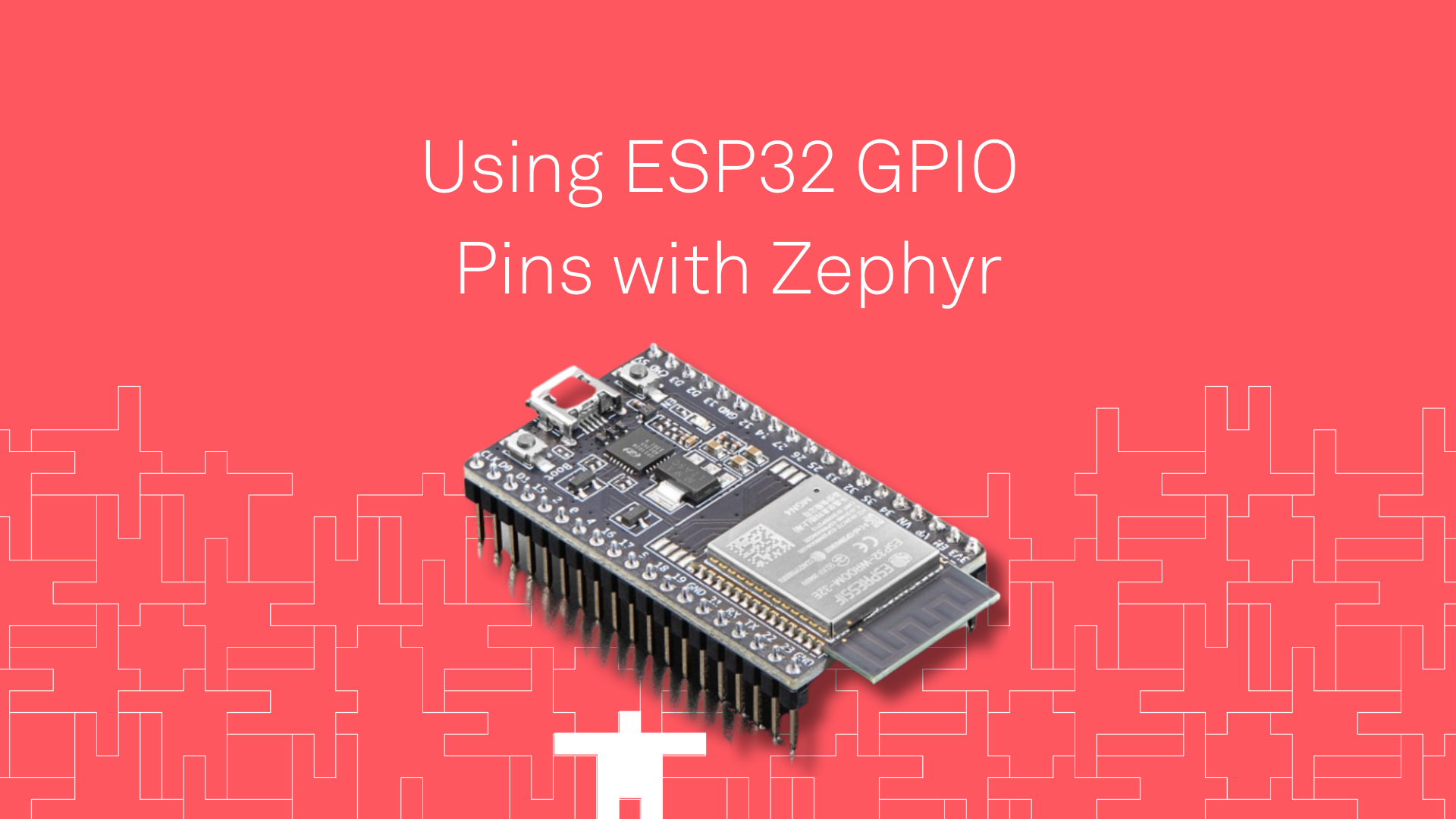
Getting your ESP32 GPIO pins working with Zephyr is easy, and using a devicetree overlay file to do so makes it painless to change pins (or even …
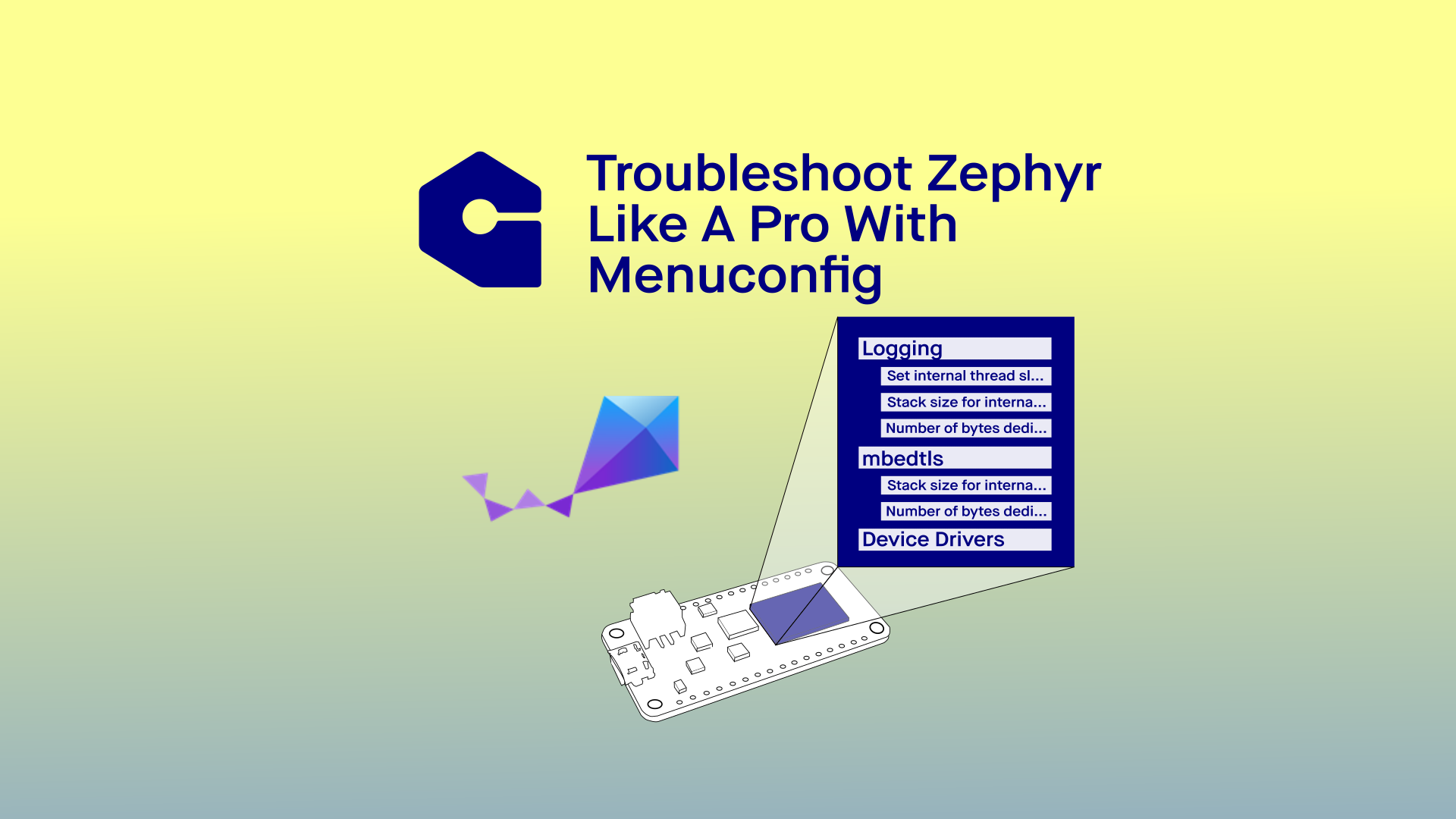
Troubleshooting high complexity systems like Zephyr requires more thorough tools. Menuconfig allows users to see the layers of their system and adjust settings …