Adding SiLabs EFR32BG27 to the Golioth Bluetooth-to-Cloud Service
Using the EFR32BG27 with Zephyr
We grabbed
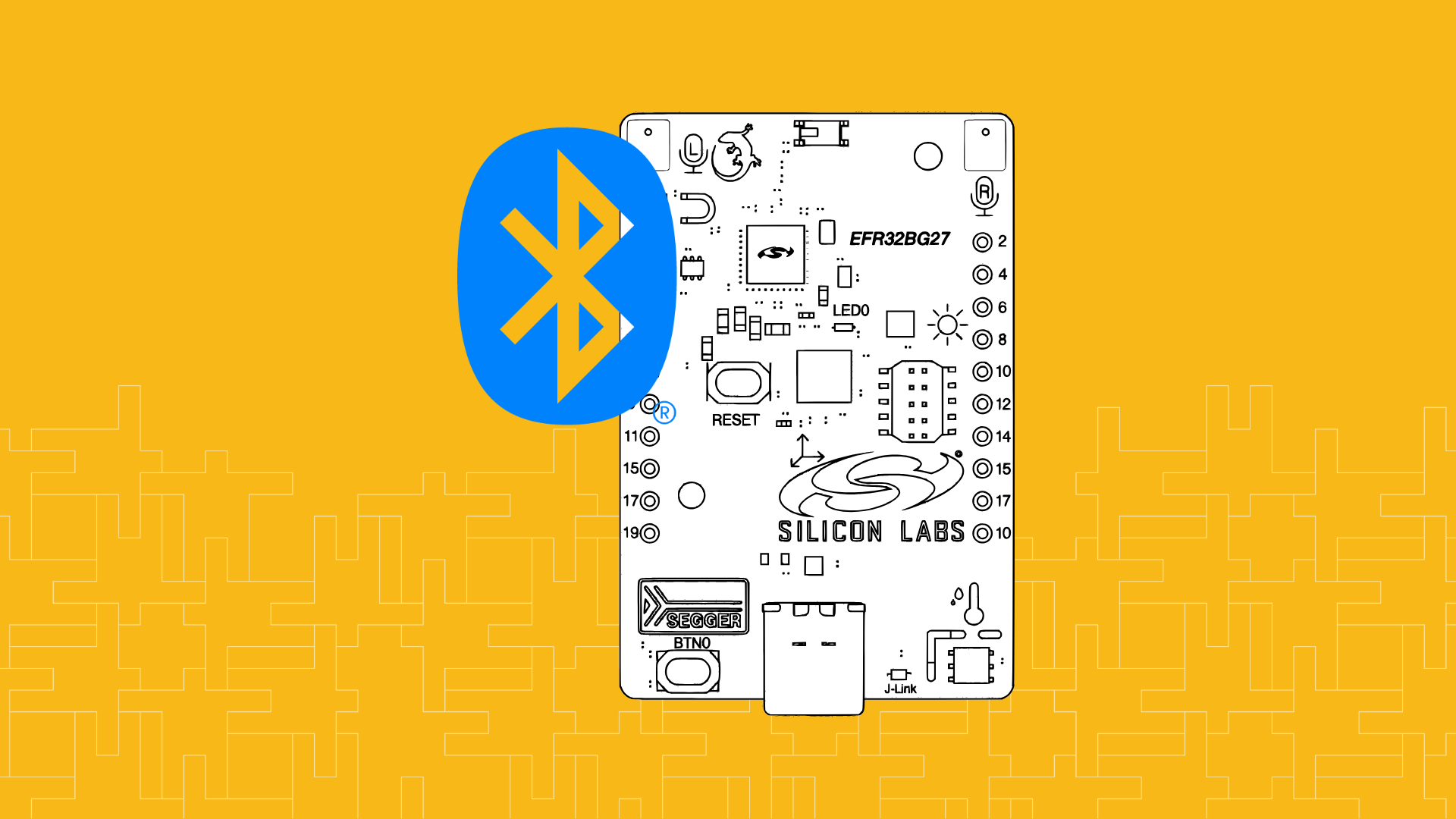
the SiLabs xG27 dev kit for this experiment because it already has support in the Zephyr tree. Although support begins with v4.1.0 of Zephyr, our testing showed that for the device to work correctly with our gateways we needed to upgrade to v4.2.0. 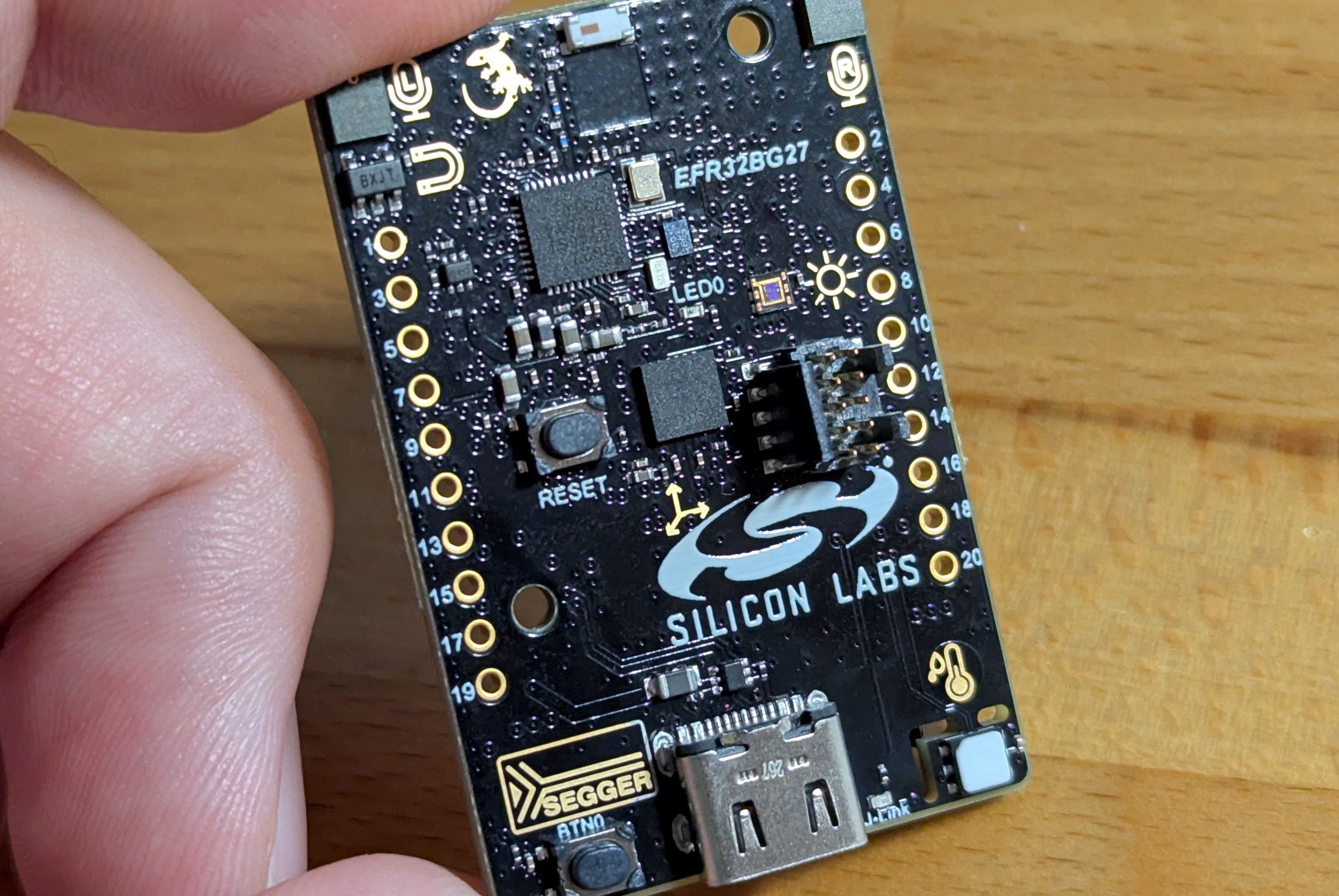 This board includes an embedded J-Link adapter so you can flash it using the USB-C port and Zephyr’s
 west flash command. To access the Bluetooth features of the chip, use west to grab the binary blob.
west blobs fetch hal_silabsThat takes care of the BLE prerequisites. I find that
the Zephyr Bluetooth Observer sample is really handy when testing out new chips, so I built and ran that sample to confirm the radio was working as expected. Now it’s time to add this to our IoT fleet!
Building Golioth’s Bluetooth-to-Cloud Example To get the SiLabs EFR32BG27 talking to the cloud I followed the instructions from the
Golioth Bluetooth-to-Cloud connectivity repository. The example application is found in the Pouch non-IP protocol repository that is included as a submodule. I just needed to make a few updates to the pouch/west.yml manifest file in that repo so it will work with SiLabs parts:
- Use Zephyr v4.2.0
- Add the SiLabs HAL library to the allowlist
- Add
cmsis_6to the allowlist
# Copyright (c) 2025 Golioth, Inc.
# SPDX-License-Identifier: Apache-2.0

manifest:
  version: 0.8

  projects:
    - name: zephyr
      revision: v4.2.0
      url: https://github.com/zephyrproject-rtos/zephyr
      west-commands: scripts/west-commands.yml
      import:
        path-prefix: deps
        name-allowlist:
          - zephyr
          - cmsis
          - cmsis_6
          - hal_nordic
          - hal_silabs
          - mbedtls
          - mcuboot
          - segger
          - tfm-mcuboot
          - trusted-firmware-m
          - zcbor
Don’t forget to runwest update after making these changes to pull in the new version and new library. Here’s what that looks like, including the step to download binary blobs.
west update
west blobs fetch hal_silabs
Next, build the example application. Don’t forget to replace the
REPLACEME part with the Device ID from the Golioth console.
west build -p -b xg27_dk2602a pouch/examples/ble_gatt -- -DCONFIG_EXAMPLE_DEVICE_ID=\"REPLACEME\"
west flash
You should have already set up your gateway by
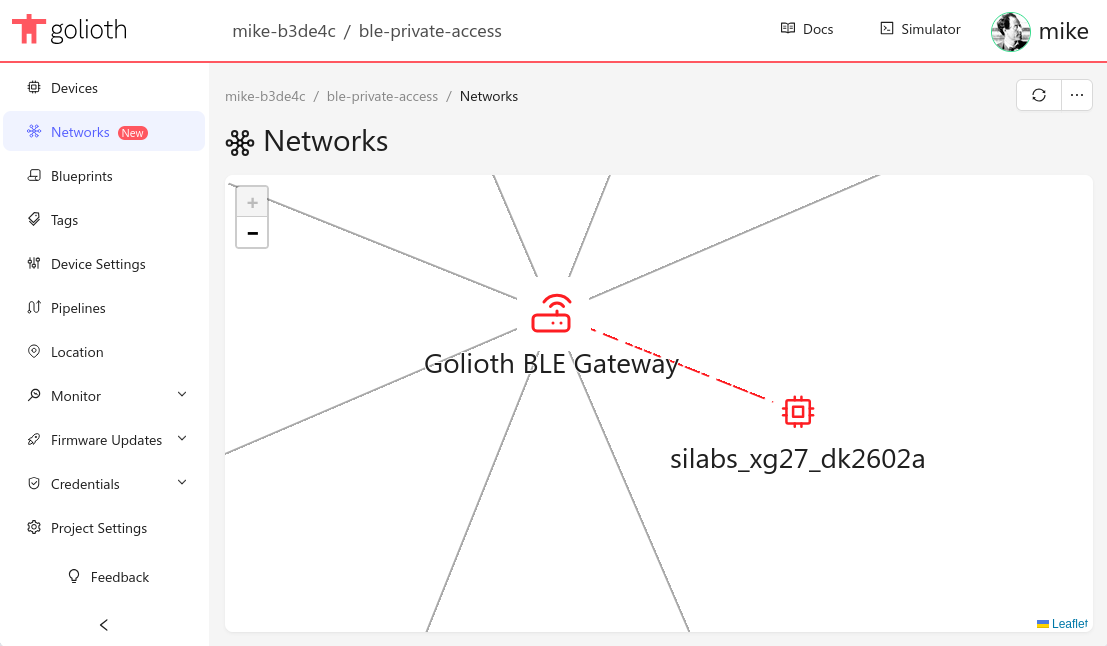
following steps 1 and 2 from the getting started guide. If so, your newly flashed SiLabs board will soon be reporting into the cloud!
Go Deeper with the SiLabs xG27
By default the Golioth example sends simulated temperature sensor data. But the xG27 dev board has a Si7210 sensor that includes a temperature reading. It’s far more fun to send actual sensor readings to the cloud so let’s update the sample to read that sensor! First, create an overlay file to enable the sensor node which is already part of the in-tree Zephyr definition.
&i2c0 {
  si7210 {
    status = "okay";
  };
};
I also added some Kconfig symbols to get this sensor working. The SHELL-related symbols are optional:CONFIG_I2C=y CONFIG_I2C_SHELL=y CONFIG_SENSOR=y CONFIG_SENSOR_SHELL=yFrom there it’s the simple matter of actually reading the sensor and sending it to Golioth.
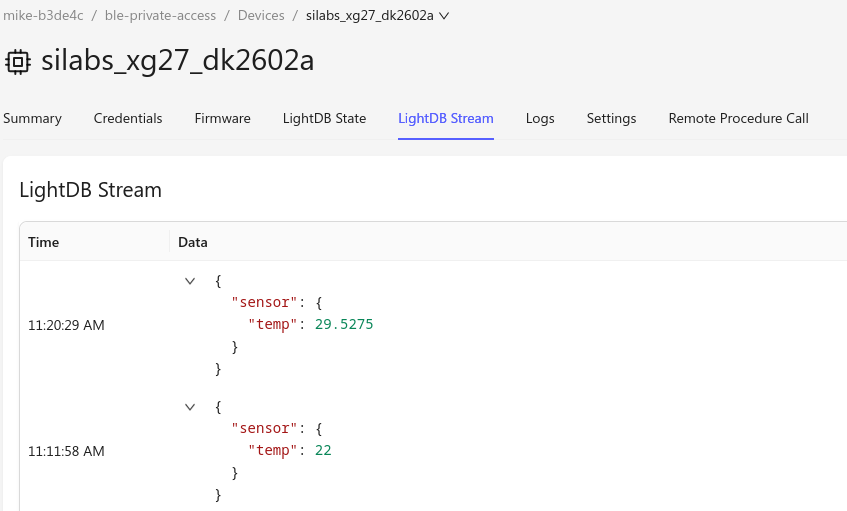
const struct device *const temperature_dev = DEVICE_DT_GET_ANY(silabs_si7210); #includeAnd we immediately notice actual sensor data streaming in instead of the hardcoded value of 22:static void pouch_event_handler(enum pouch_event event, void *ctx) { if (POUCH_EVENT_SESSION_START == event) { sensor_sample_fetch(temperature_dev); struct sensor_value temperature; sensor_channel_get(temperature_dev, SENSOR_CHAN_AMBIENT_TEMP, &temperature); char sbuf[64]; snprintk(sbuf, sizeof(sbuf), "{\"temp\":%g}", sensor_value_to_double(&temperature)); pouch_uplink_entry_write(".s/sensor", POUCH_CONTENT_TYPE_JSON, sbuf, strlen(sbuf), K_FOREVER); golioth_sync_to_cloud(); } if (POUCH_EVENT_SESSION_END == event) { service_data.data.flags = 0x00; k_work_schedule(&sync_request_work, K_SECONDS(CONFIG_EXAMPLE_SYNC_PERIOD_S)); } }
Bluetooth to Cloud has never been this easy
The Golioth Bluetooth-to-Cloud service is incredibly easy to integrate with your low-power devices. Add a Gateway to your fleet and you will be streaming your sensor data to the cloud right away.