Adding Espressif ESP32 to the Golioth Bluetooth-to-Cloud Service
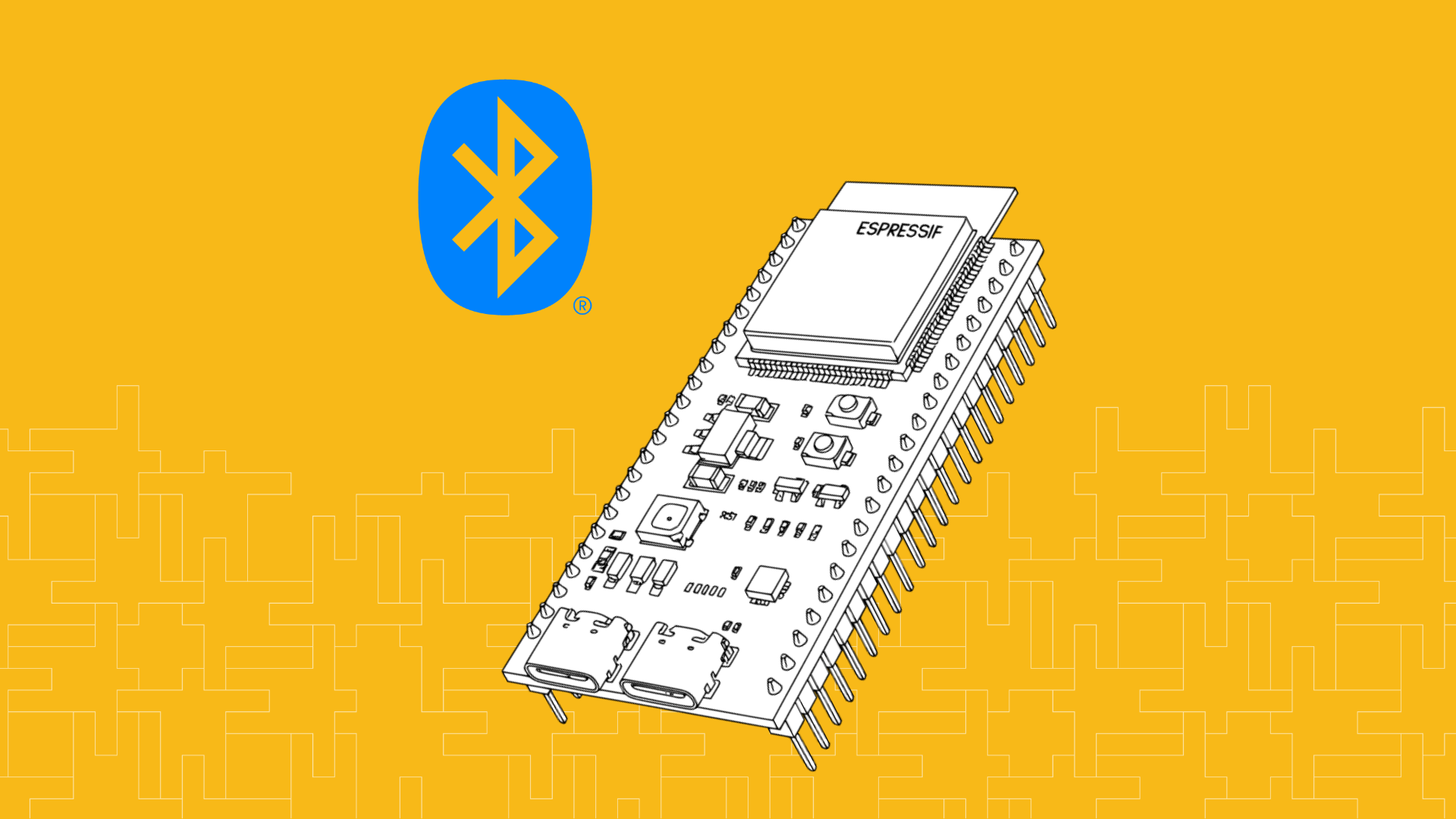
The ESP32 and the product line variants often run Bluetooth alongside Wi-Fi. This post shows how you can use the Bluetooth capabilities of an Espressif chip to talk back to the internet when a Wi-Fi signal isn't the right fit for your application.
the Bluetooth-to-Cloud capabilities of Golioth. For this approach, we use a Gateway to bridge between the resource-constrained BLE devices to the cloud. The Bluetooth devices themselves just advertise a characteristic that indicates they are using the Pouch protocol. This delivers bi-directional access to a huge number of devices that are usually considered to be connectionless.
Using the ESP32 with Zephyr
Today we’re using Zephyr because that’s what’s currently supported in the Golioth Bluetooth fleet examples. However, Pouch is designed to work cross-platform so with a bit of implementation work this is also possible for ESP-IDF.
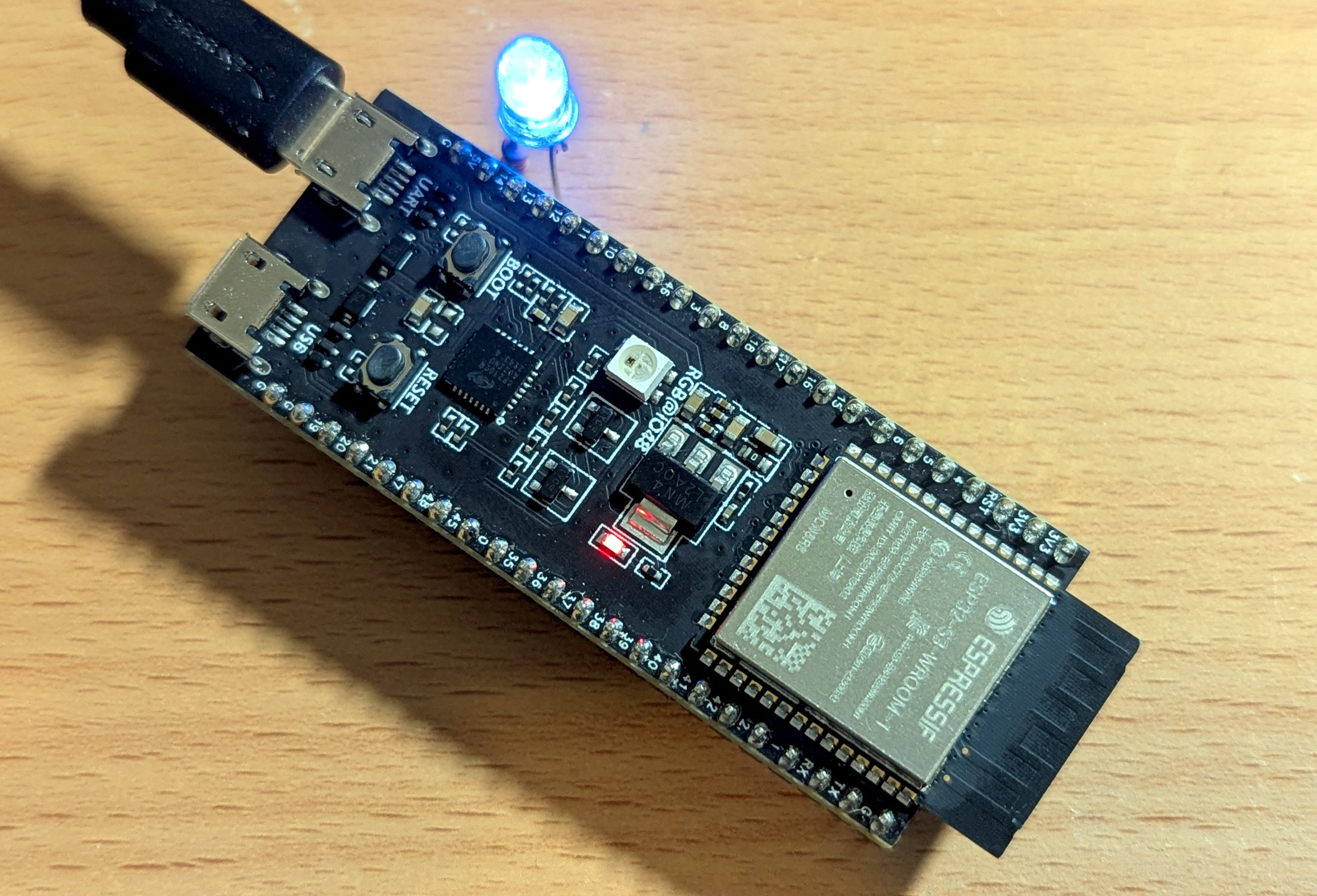 Espressif maintains support for the ESP32 family in Zephyr, so building for this ESP32-S3 is trivial when you already have Zephyr installed on your development computer. I found that all I needed to do was add
 hal_espressif to my allow-list and run a west command to fetch the binary blobs.
Building Golioth’s Bluetooth-to-Cloud Example To add the ESP32-S3 to my IoT fleet I followed the instructions from
the Golioth Bluetooth-to-Cloud private access repository. The example application uses a west manifest with an allow-list to limit the number of libraries that are cloned during initialization. I updated this file to include the Espressif HAL library.
# Copyright (c) 2025 Golioth, Inc.
# SPDX-License-Identifier: Apache-2.0

manifest:
  version: 0.8

  projects:
    - name: zephyr
      revision: v4.1.0
      url: https://github.com/zephyrproject-rtos/zephyr
      west-commands: scripts/west-commands.yml
      import:
        path-prefix: deps
        name-allowlist:
          - zephyr
          - cmsis
          - hal_expressif
          - hal_nordic
          - mbedtls
          - mcuboot
          - segger
          - tfm-mcuboot
          - trusted-firmware-m
          - zcbor
Don’t forget to update after making changes to your manifest. Now is also a great time to ensure you have the binary blobs on hand.west update west blobs fetch hal_espressifBy default, the sample application allows you to change the state of an LED attached to the board by issuing settings commands from the cloud. However, the ESP32-S3 doesn’t have an on-board LED. Without one, the sample code will fail to build. So I connected an LED (and current limiting resistor) between GPIO14 and Ground. Add an overlay file to map this additional hardware in the devicetree.
/ {
    leds {
        compatible = "gpio-leds";

        led0: led_0 {
            gpios = <&gpio0 14 GPIO_ACTIVE_HIGH>;
        };
  };

    aliases {
        led0 = &led0;
    };
};
Now we can build and flash the application. Note that I’ve replaced theREPLACEME text with the Device ID from the Golioth console.
west build -p -b esp32s3_devkitc/esp32s3/procpu pouch/examples/ble_gatt -- -DCONFIG_EXAMPLE_DEVICE_ID=\"REPLACEME\"
west flash
As I mentioned, I already have a gateway device running. If you have not yet done so,
follow steps 1 and 2 from the getting started guide. After a few seconds, the device will start advertising and sending data up to the cloud!
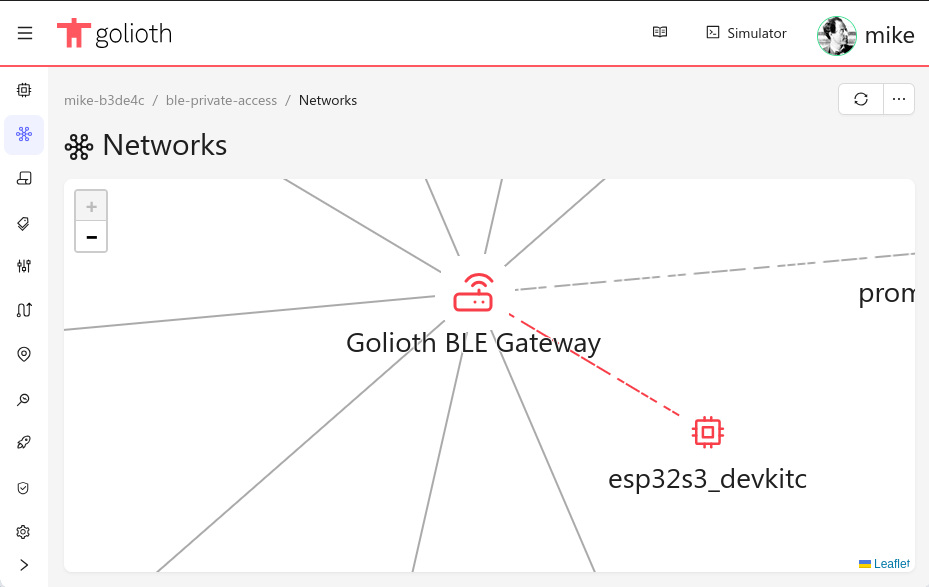 Explore both Uplink and Downlink The example code sends simulated sensor data from the device to the cloud. From the Golioth web console, we can use the LightDB Stream tab to view the “sensor” readings received on the cloud.
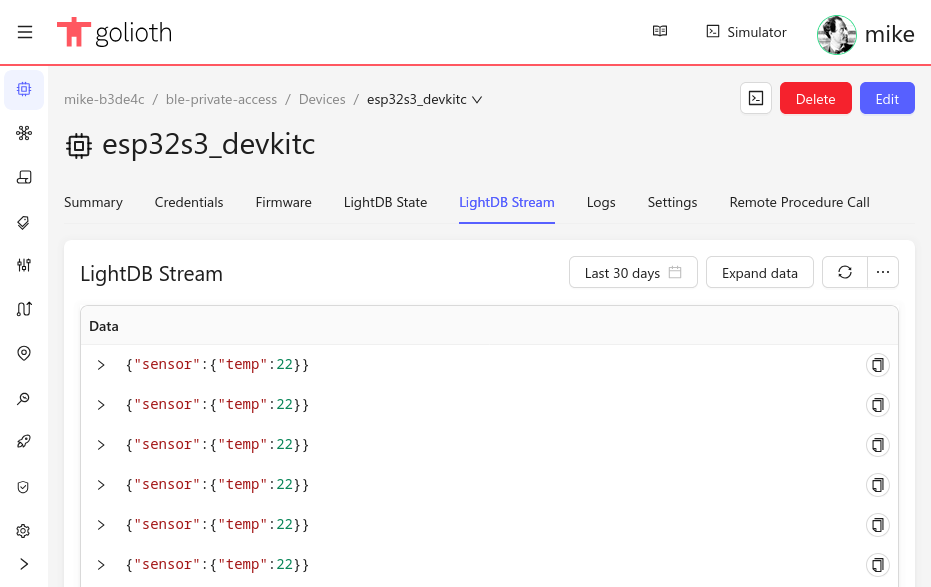 I didn’t actually connect a hardware sensor up to the device, so we’re only going to receive 22C for every reading as long as this device is powered on. However, as covered in the previous step, I did add an LED to this board.
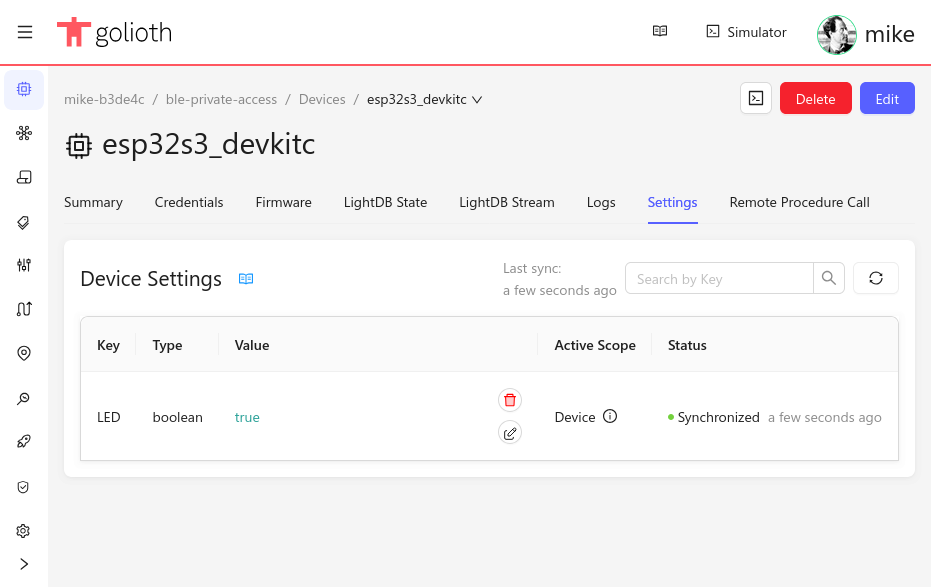
Golioth Settings service to change the state of this LED from the Cloud. Settings can changed at the Project or Device level. Here I’ve edited the device-specific setting and a few seconds later the LED lights up!
 The Internet is for Bluetooth Too! Your fleet of BLE devices can easily gain bi-directional access to the Internet using
Golioth’s Bluetooth-to-Cloud service. Just add a gateway that can be used by all devices within range and you’ve immediately unlocked a world of functionality.